
Full ControlThe AI programs it.You stay in full control.
Adjust inspection thresholds, generation rules and inspection regions to suit your process. Choose where changes apply and keep control when the AI updates the program.
Four levels of control.
Override the AI at exactly the scope you need.
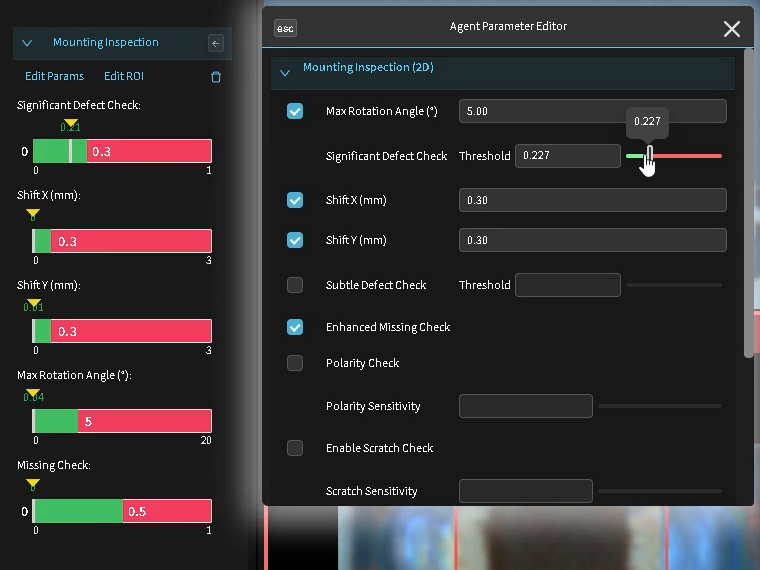
Adjust any threshold
Adjust AI-generated thresholds and review how the changes affect inspection results. Define the range available to AI updates, or disable AI updates for that check.
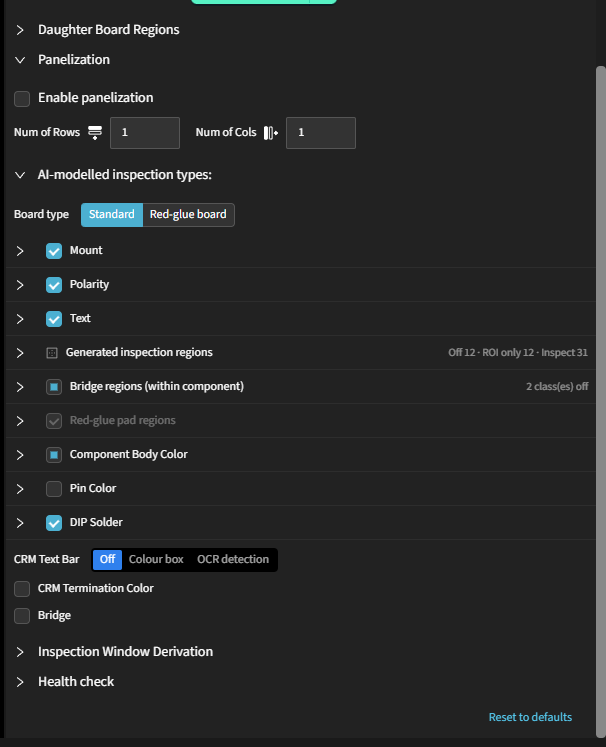
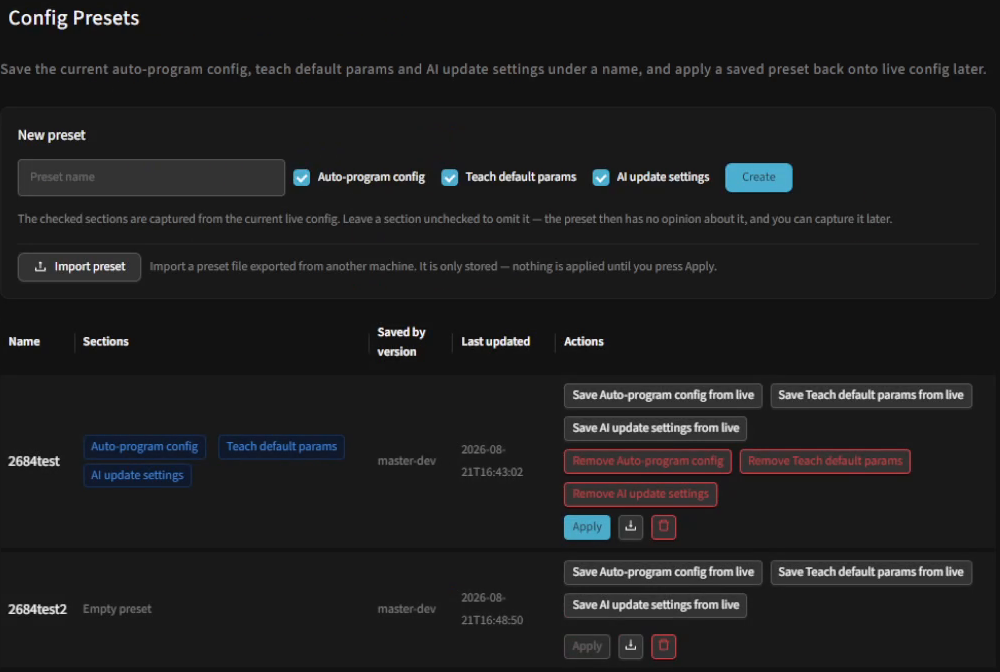
Set the rules for a whole package type
Set inspection rules for each package type instead of editing components individually. Save them as presets to reuse on other products.
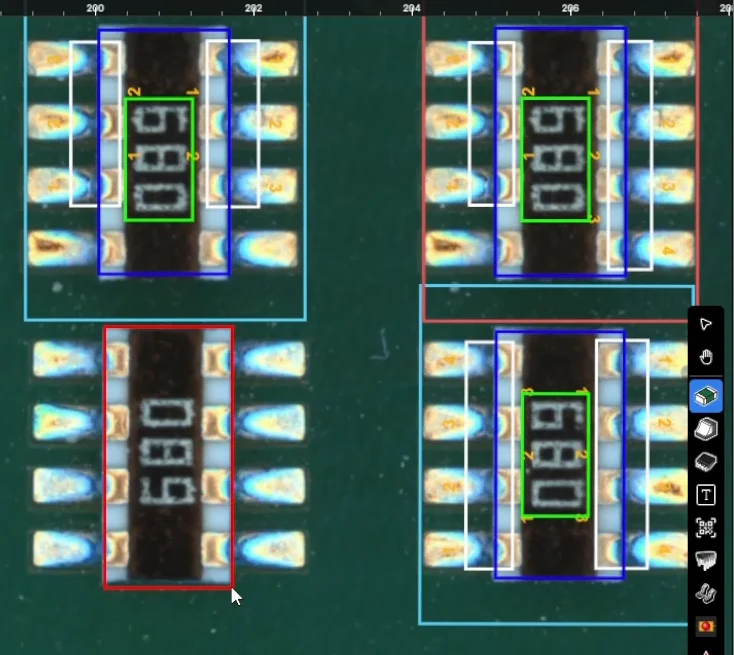
Add a component or inspection region
Draw an inspection box around a component or feature that was not detected. The system learns its parameters from the golden board and adds it to the inspection program.
Train your own model
Train a custom model on your own images for niche defects specific to your products, then apply it to selected inspection regions.
Model Training →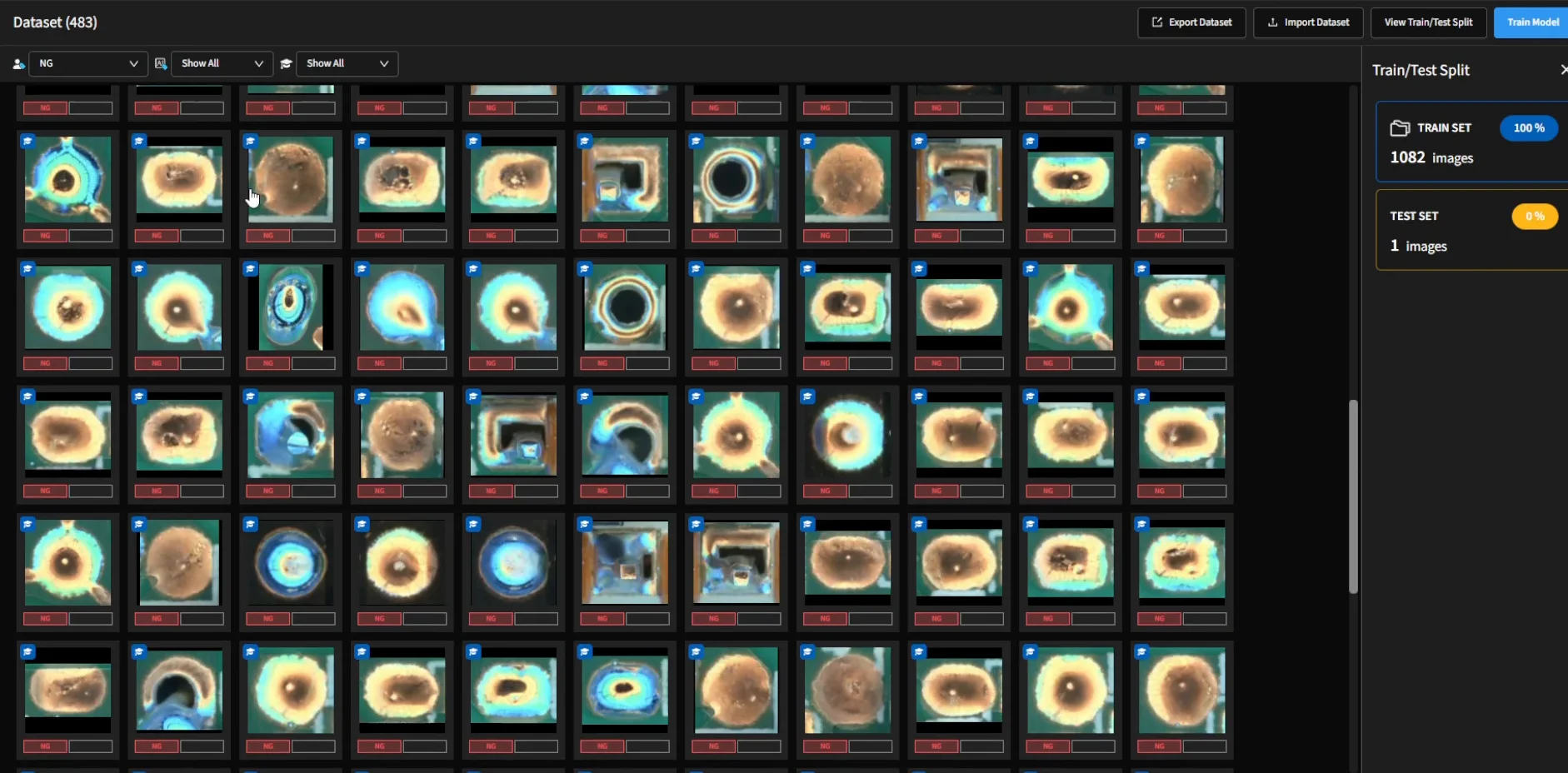
The whole list.
Explore the controls available in the software, grouped by what they affect.
Auto-programming and model updates preserve your manual settings. Locked parameters remain fixed at the values you choose.
Four questions we get every time.
Do I have to fix regions one at a time?
No. Set inspection rules for a package type to apply them across the group. Save the rules as presets to reuse on other products.
If I change something, will the AI change it back?
Auto-programming and model updates preserve your manual settings. Locked parameters remain fixed at the values you choose.
Can I disable solder or bridge inspection for a specific package type?
Yes. Choose whether the corresponding regions are generated and inspected, generated without inspection, or skipped.
Can we train a model for product-specific defects?
Yes. Train a custom model on your own images. See Model Training for the collection, labelling, training and evaluation workflow.
See how your settings stay in place.
Join an engineer for a 30-minute demo. Adjust inspection settings, rerun auto-programming and see how your manual changes are preserved.
Everything on this page applies to a program the machine wrote from one golden board, in 30 seconds to 5 minutes.